Many manufacturing teams still rely on Excel spreadsheets to track corrective actions, root causes, and improvement activities. While spreadsheets may work initially, they often become difficult to maintain as more departments, issues, and stakeholders become involved.
The problem is not identifying root causes. The challenge is ensuring that improvement actions are followed through, completed on time, and verified to prevent recurring problems.
This article explains why Excel-based action tracking often fails and how manufacturers can create a more effective system using digital Lean management tools like DigiLEAN.
Most manufacturing organizations use structured problem-solving methods such as:
However, many teams still track resulting actions manually.
A typical workflow looks like this:
| Step | Tool Used |
|---|---|
| Problem identified | Whiteboard |
| Root cause analysis | Workshop or meeting |
| Action plan created | Excel |
| Progress updates | Emails |
| Verification | Separate reports |
As a result, teams often experience:
The root cause investigation may be strong, but execution becomes the weak link.
Excel provides flexibility but lacks operational control.
| Excel Limitation | Operational Impact |
|---|---|
| Multiple versions | Teams work from outdated information |
| Manual updating | Status becomes unreliable |
| No automatic reminders | Deadlines are missed |
| Limited visibility | Managers cannot easily escalate issues |
| Poor traceability | Difficult to identify recurring problems |
| Separate files by department | Siloed improvement efforts |
Over time, organizations spend more effort maintaining spreadsheets than solving problems.
An effective action tracking process should answer five questions instantly:
| Question | Why It Matters |
|---|---|
| What is the problem? | Creates context |
| What is the root cause? | Ensures the right solution |
| Who owns the action? | Establishes accountability |
| When is it due? | Drives execution |
| Has effectiveness been verified? | Confirms problem resolution |
When these answers are visible to everyone involved, improvement becomes easier to sustain.
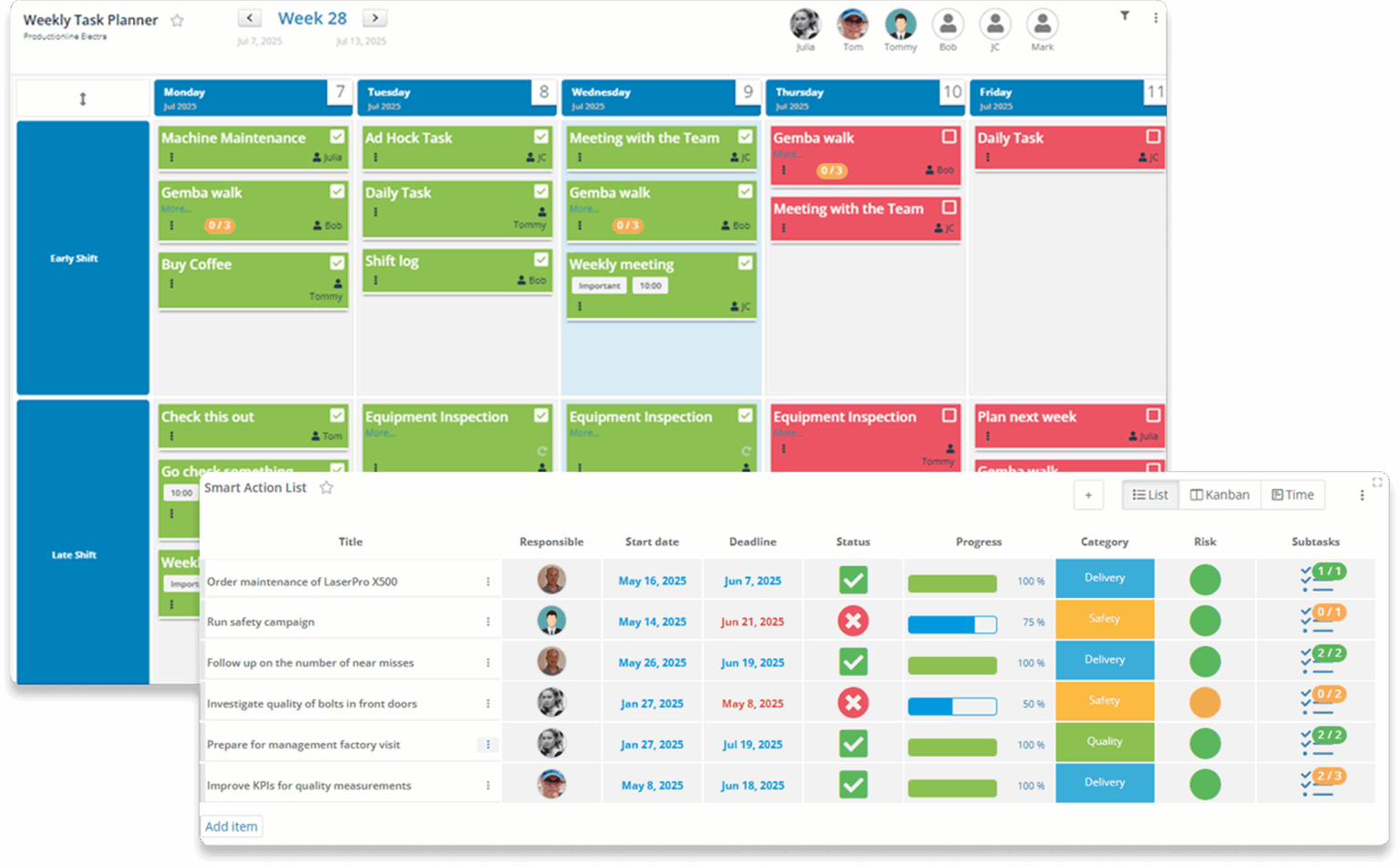
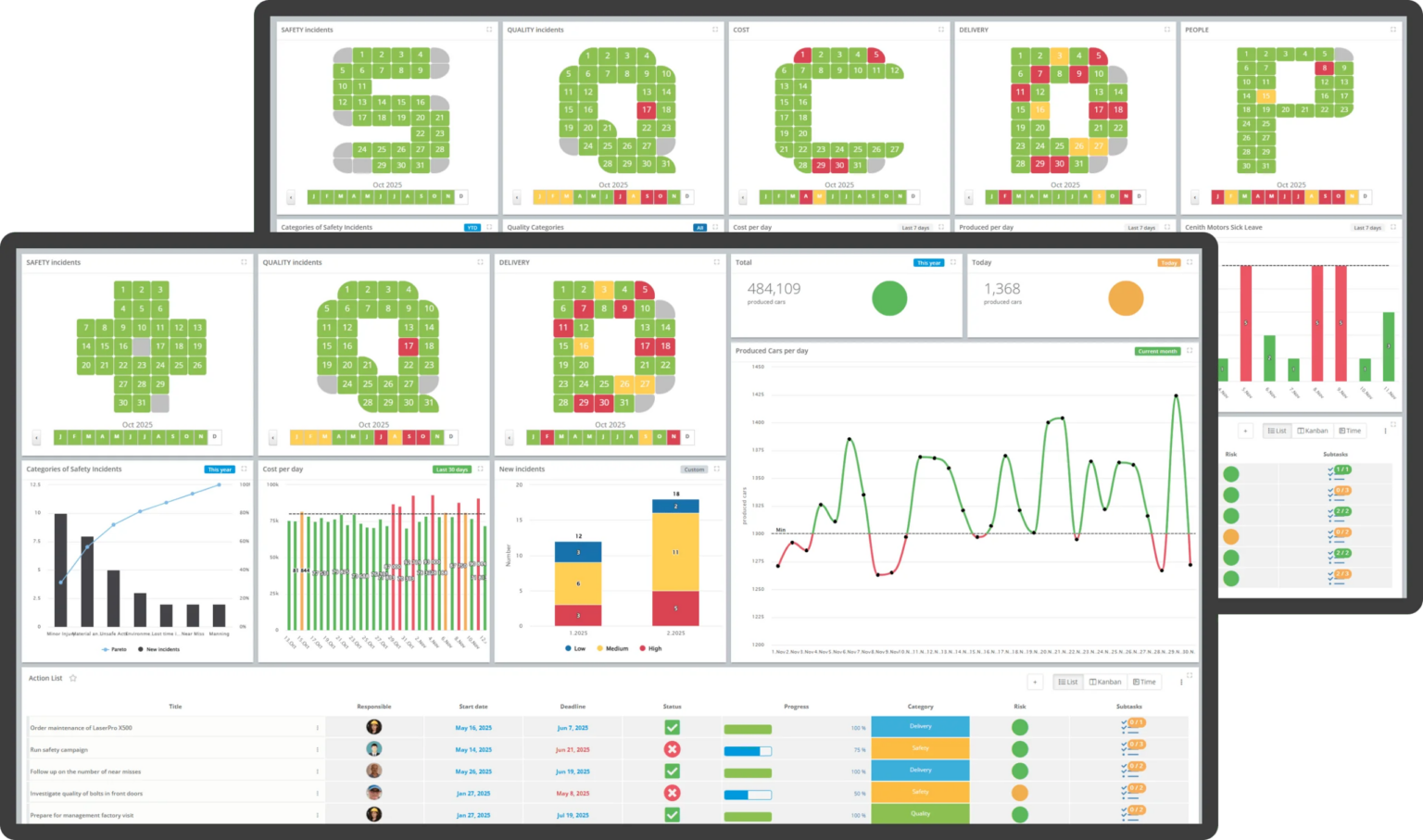
Digital Lean platforms centralize problem solving, action management, and daily operations into one system.
Instead of maintaining multiple spreadsheets, teams can:
This creates a closed-loop continuous improvement process.
A production line experiences recurring downtime due to packaging machine failures.
Step 1: Record the Issue
During the daily tier meeting, the team logs the downtime incident on the digital board.
| Field | Example |
|---|---|
| Problem | Packaging line stopping twice per shift |
| Category | Downtime |
| Impact | 45 minutes lost production |
| Date | Current shift |
Step 2: Complete Root Cause Analysis
The team performs a 5 Whys investigation.
| Why Level | Finding |
|---|---|
| Why 1 | Machine stops unexpectedly |
| Why 2 | Sensor loses calibration |
| Why 3 | Mounting bracket becomes loose |
| Why 4 | Vibration causes movement |
| Why 5 | Preventive inspection does not include bracket check |
Root cause identified: Missing inspection standard.
Step 3: Create Corrective Actions
Actions are linked directly to the issue.
| Action | Owner | Due Date |
|---|---|---|
| Update inspection standard | Maintenance Manager | Sept 10 |
| Add bracket check to PM routine | Reliability Engineer | Sept 12 |
| Train technicians | Maintenance Supervisor | Sept 15 |
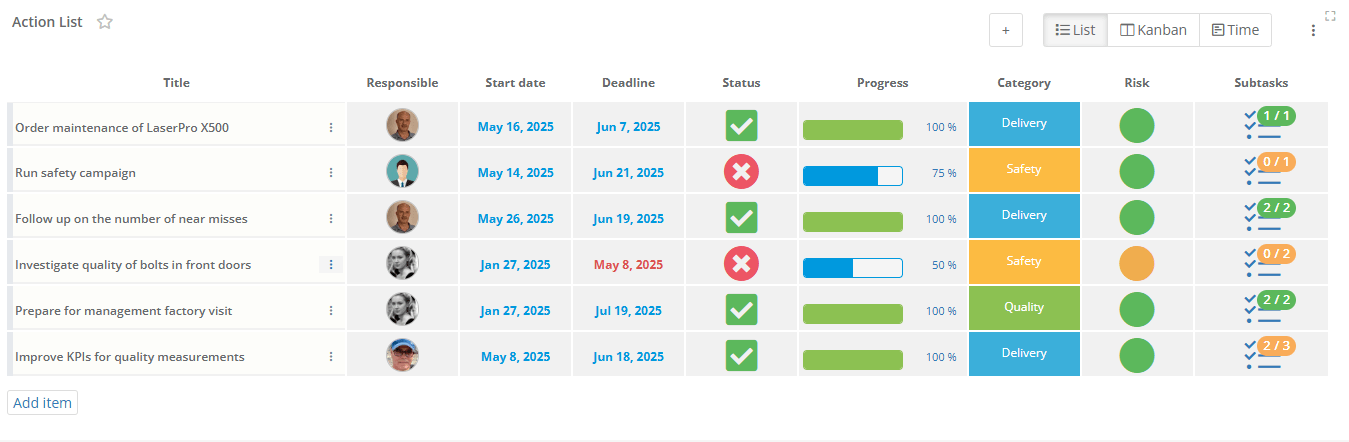
Step 4: Monitor Progress
Managers can instantly see:
No spreadsheet updates or email follow-ups are required.
Step 5: Verify Effectiveness
The team reviews downtime data after implementation.
If failures stop recurring, the action is verified as effective and formally closed.
Key capabilities include:
| Capability | Benefit |
|---|---|
| Digital action boards | Centralized visibility |
| Ownership tracking | Clear accountability |
| Escalation workflows | Faster issue resolution |
| Historical records | Stronger organizational learning |
| KPI integration | Connect actions to operational results |
| Tier meeting integration | Improvement work becomes part of daily management |
Rather than tracking actions separately from operations, corrective actions become part of everyday performance management.
To improve action execution rates:
Only create actions that directly address verified root causes. A large number of actions does not necessarily improve outcomes. Focus on effectiveness rather than quantity.
A corrective action removes the cause of an existing problem. A preventive action eliminates conditions that could create future problems.
Yes. Operators often provide critical insights into recurring issues and can help validate whether implemented actions are working in practice.
For operational issues, weekly reviews are often too infrequent. Many manufacturers review action status during daily tier meetings to maintain momentum.
Common metrics include:
Yes. Many manufacturers use action tracking systems to demonstrate follow-up, accountability, and effectiveness verification during internal and external audits.
The biggest risk is loss of visibility. Teams may believe actions are being managed, but without real-time ownership, escalation, and verification, important improvement work can easily stall.
You can watch DigiLEAN intro video to learn more, book a demo to walk through the workflow with an expert, or see the platform live by starting a free trial and exploring it yourself.